



Step 1
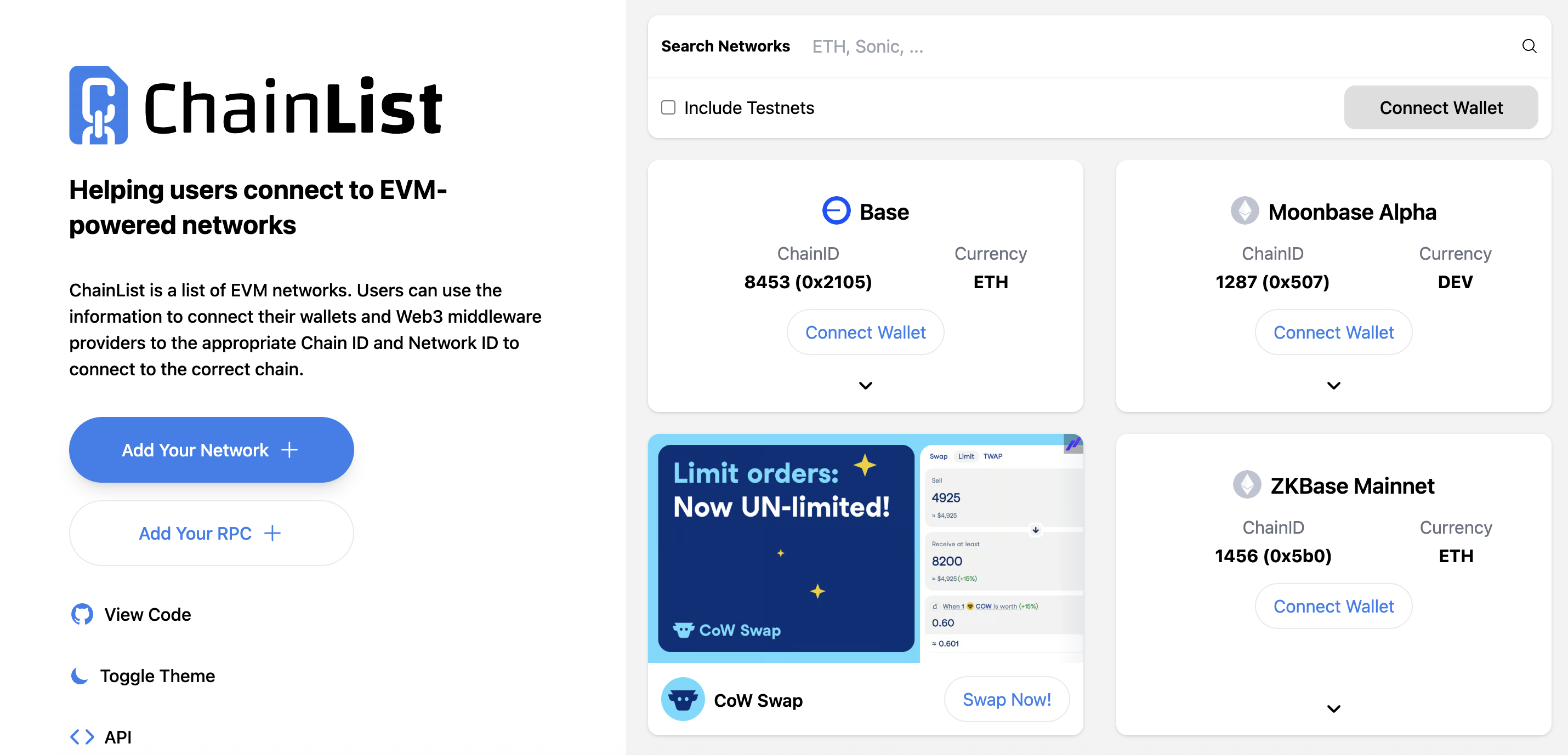
First, head over to: chainlist.org & search Base.
Step 2
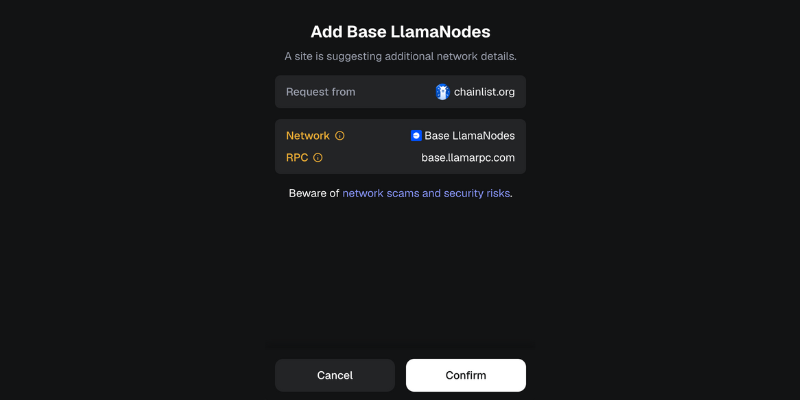
Now simply press Connect Wallet on Base to bring up MetaMask confirmation & press Confirm.
That's it! You can now easily interact with various dApps on Base network.
Outro
That's all for this tutorial, come back soon for updates on this project.
If you found this guide helpful and informative, consider sharing it on social media. You can also stay updated on the latest content and discussions by following us on X (formely Twitter): @BitBlog_io
Disclaimer: This guide is provided strictly for educational purposes and should not be considered financial advice. The content is designed to offer insights into various web3 topics & projects.
We do not recommend putting real money into random projects without conducting plenty of your own research first. It is crucial to make informed decisions based on your own understanding and risk tolerance.
Want to support the platform? 👉 Support Us