



Step 1
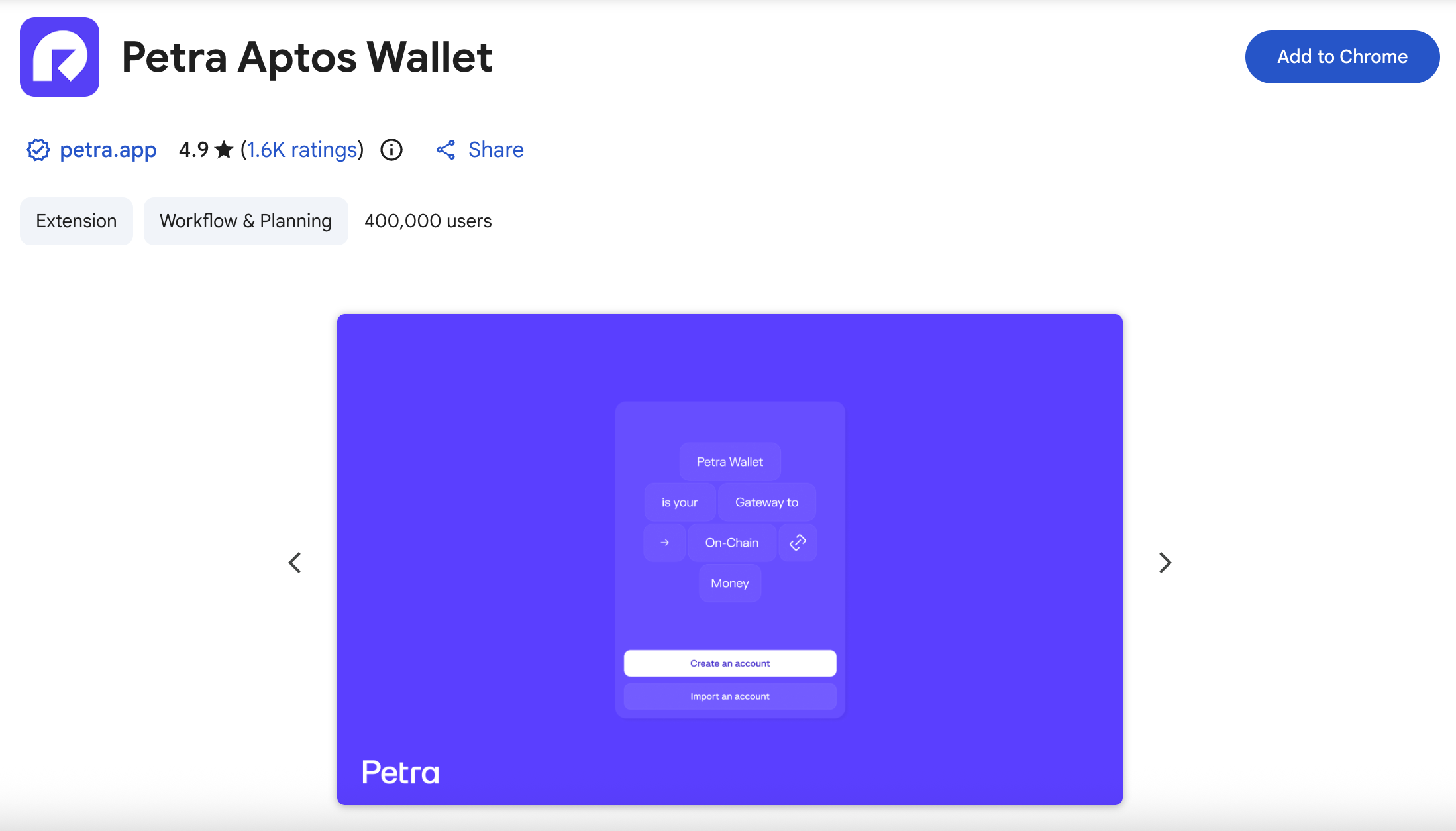
First, we need to open Google Chrome, then head over to the Petra Google Extensions page: chromewebstore.google.com/detail/petra-aptos-wallet & press Add to Chrome.
Step 2
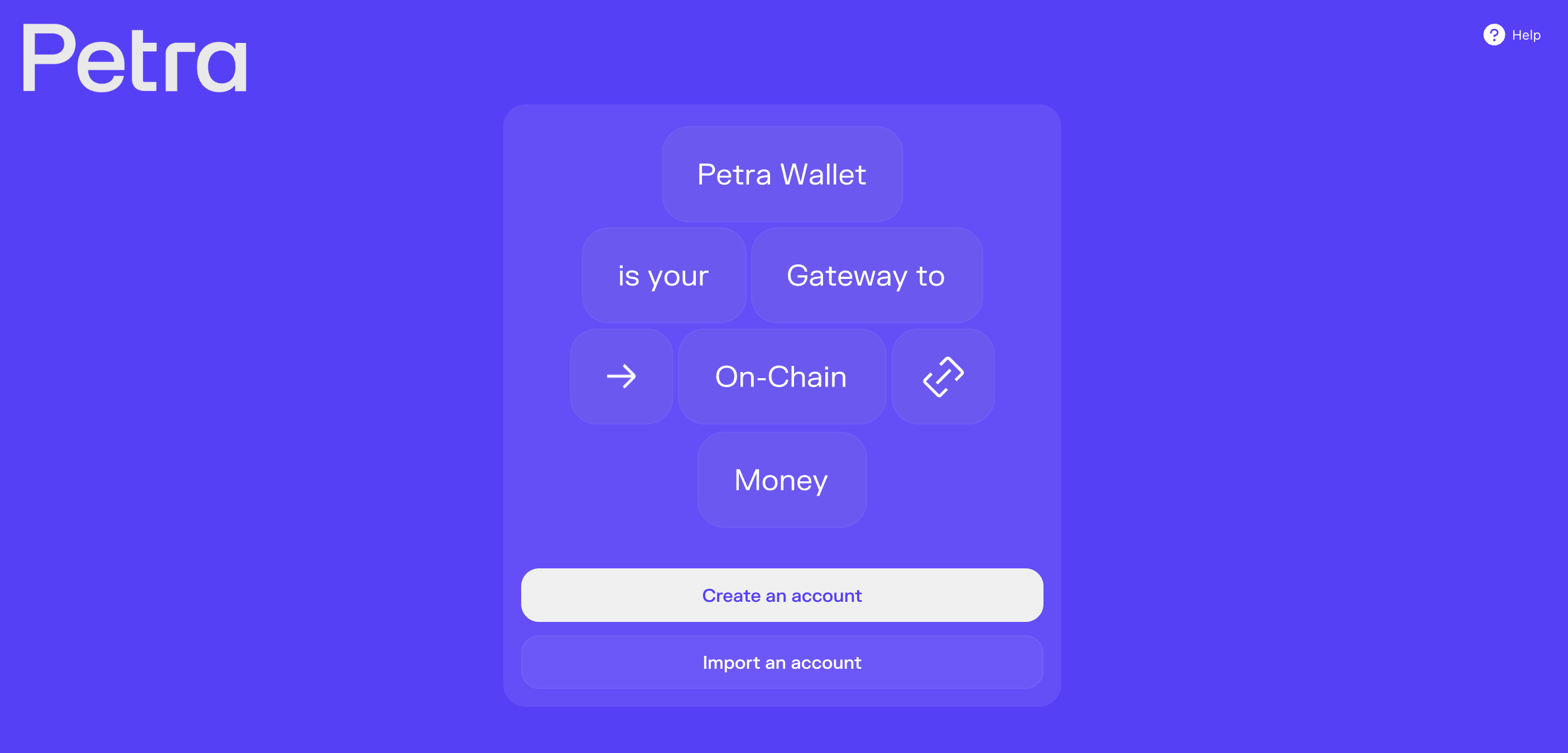
Once it's installed, it will open the Petra Aptos Wallet extension.
Here we need to select Create an Account.
Step 3
Next, we should select to setup a Seed Phrase wallet.
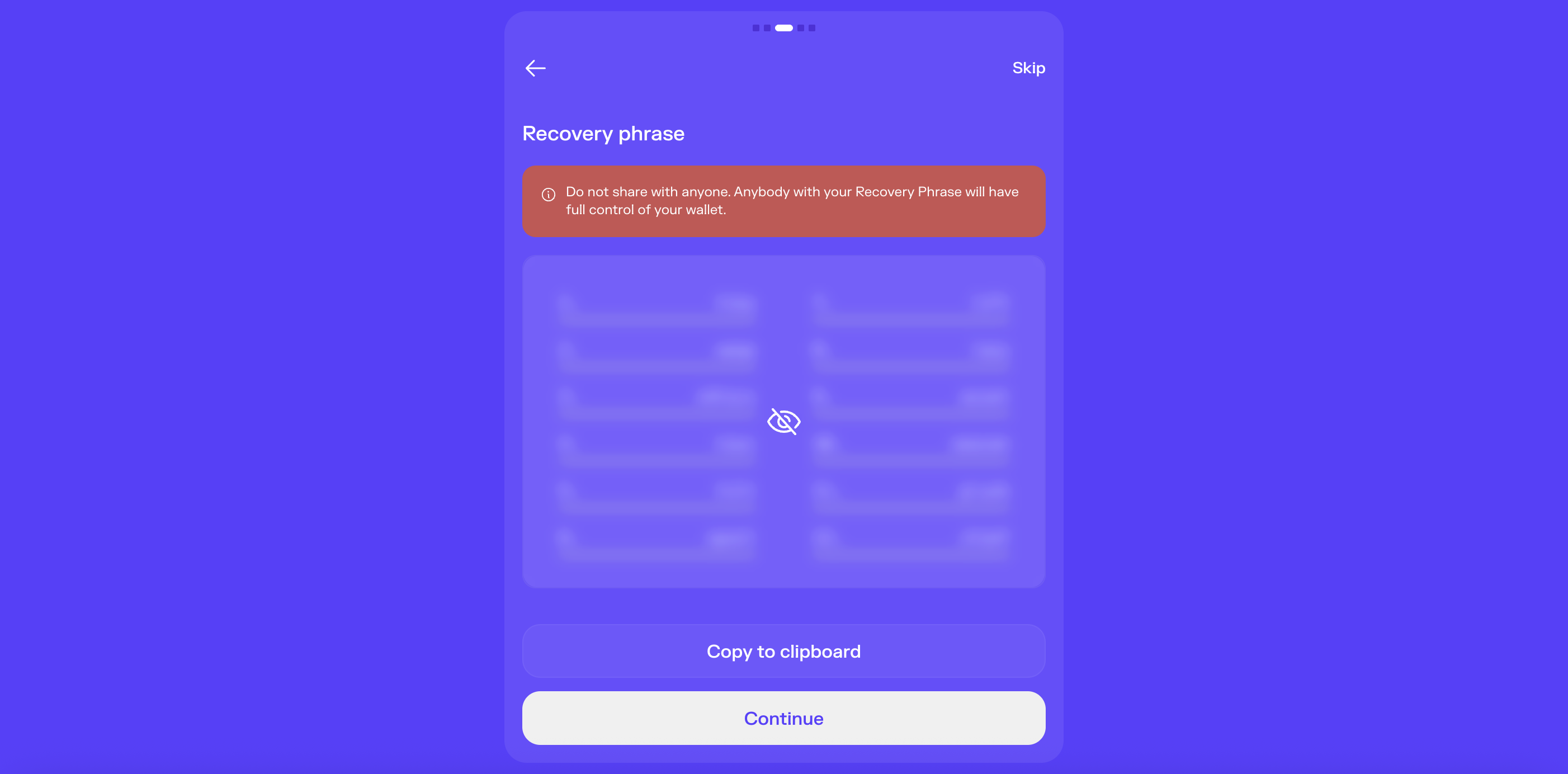
It will then provide your Recovery Phrase (Seed Phrase). This is the secret words used to access your funds, so do not share this with anyone.
Make sure to write your Recovery Phrase somewhere safe (preferably on paper).
It will then ask you to verify that you have written it down by asking you to confirm which word is in the recovery phrase. Select the correct word from the multiple choice to proceed.
That's it! Your wallet is setup and ready to use. You can now open your Petra Wallet from the extensions icon in the top-right corner of your Google Chrome browser.
Outro
That's all for this tutorial, come back soon for updates on this project.
If you found this guide helpful and informative, consider sharing it on social media. You can also stay updated on the latest content and discussions by following us on X (formely Twitter): @BitBlog_io
Disclaimer: This guide is provided strictly for educational purposes and should not be considered financial advice. The content is designed to offer insights into various web3 topics & projects.
We do not recommend putting real money into random projects without conducting plenty of your own research first. It is crucial to make informed decisions based on your own understanding and risk tolerance.
Want to support the platform? 👉 Support Us